What does a data centre tier actually tell you?
11.24.2026
A data centre tier rates how a site's power and cooling are built to handle maintenance and failure, from Tier I (one path, no spare components) to Tier IV (fault tolerant).
The answers below explain each tier in plain words, the difference between a site designed to a tier and one certified to it, what a tier doesn't tell you, and the questions to ask a provider. Use them to compare sites and to answer the 'what tier is it?' question in a procurement review.
- A tier rates topology: it describes how power and cooling handle maintenance and failure, not the network or the staff.
- Tier III is concurrently maintainable: any component can be serviced without shutting down the IT equipment.
- Tier IV is fault tolerant: a single unplanned failure doesn't affect the IT equipment.
- A tier isn't the whole picture: check generator runtime, carriers, operations and the uptime SLA alongside it.
- Hut 8 Canada: Kelowna and Mississauga are Tier III designed, and all five data centres carry a 99.99% uptime SLA with 24/7 NOC monitoring.
What a data centre tier actually tells you
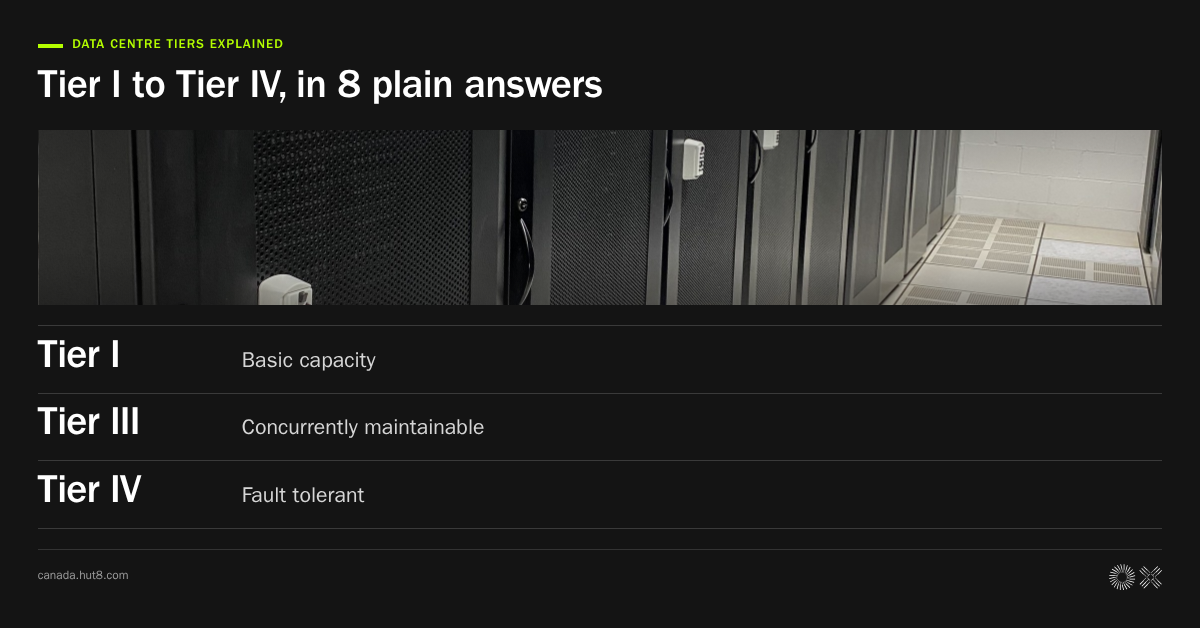
A data centre tier rates how a site's power and cooling are built to handle maintenance and failure. Tier I has one path and no spare components; Tier III can be maintained without a shutdown; Tier IV is built to ride through a single failure. Treat a tier as a starting point, then ask how it was verified and how the site is run.
What is a data centre tier?
A tier is a rating of a site's infrastructure, mainly power and cooling. The best-known system is the Uptime Institute's Tier Classification, which runs from Tier I to Tier IV. It describes topology: how many components there are, how many paths power and cooling take to your cabinet, and what happens when one part has to stop. It does not grade the network, physical security or the people who run the site.
Tier I
Dedicated power and cooling, but no spare components and a single path. Planned maintenance on key systems usually means a shutdown.
Tier II
Spare components, such as an extra generator or cooling unit, but still one distribution path.
Tier III
Spare components and more than one distribution path, so any component can be taken out for planned maintenance without shutting down the IT equipment.
Tier IV
Designed so a single unplanned failure of any component or path doesn't affect the IT equipment. Each step adds redundancy, cost and complexity. Higher isn't automatically better for every workload; it's better for workloads that can't stop.
Difference between "designed" and "certified"
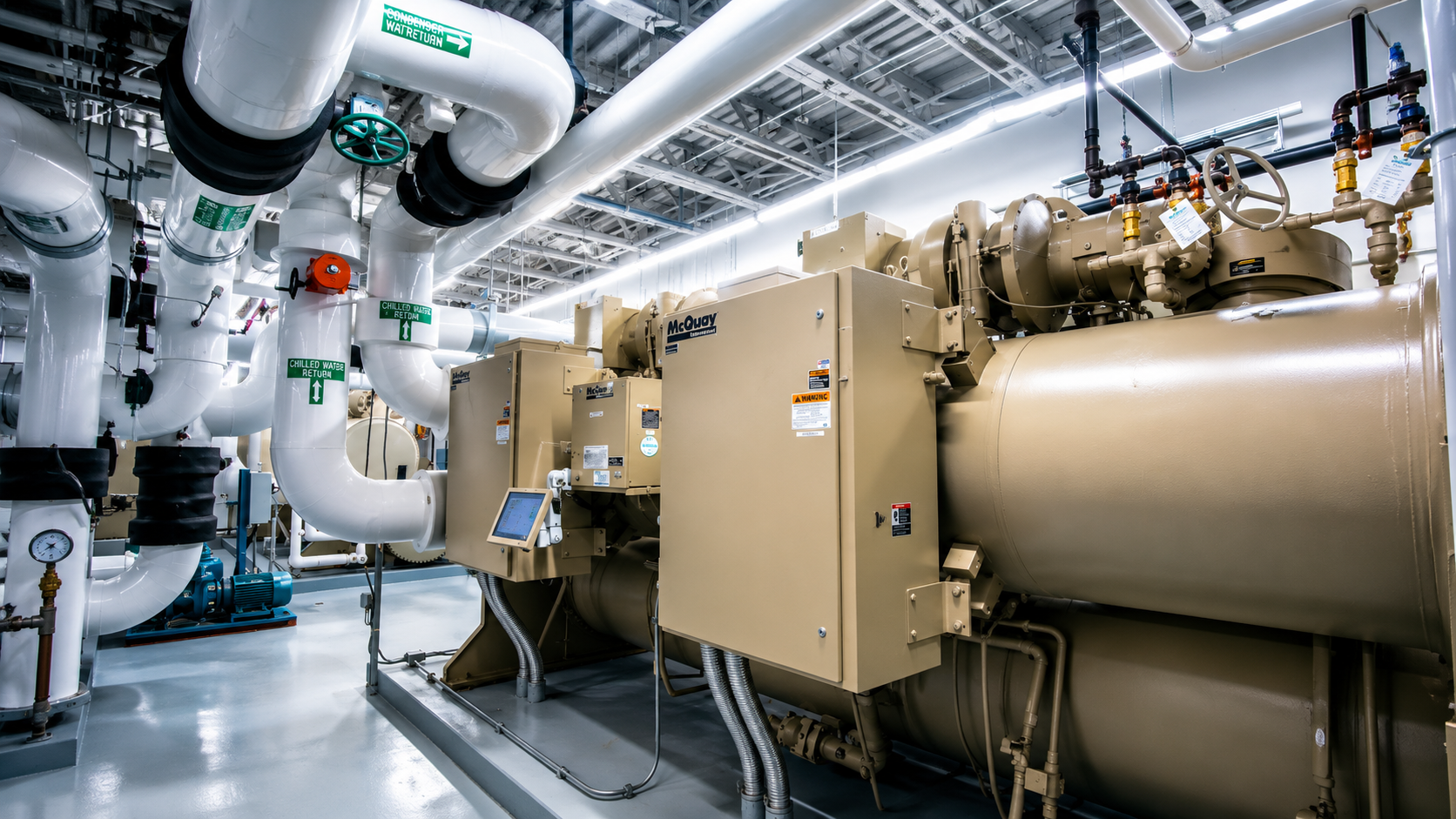
The Uptime Institute certifies in stages: first the design documents, then the constructed facility, and separately how the site is operated. Many providers describe a site as designed to a tier, meaning it was engineered to that topology. Both can be accurate descriptions, but they are different claims. Ask which one you're hearing, and ask to see the design: which systems are 2N (two complete, independent systems) and which are N+1 (one spare unit beyond what the load needs).
Generator runtime
How many hours the site can carry itself if the grid goes down.
Network
How many carriers serve the building, and whether fibre enters by diverse routes.
Operations
Whether the operations centre is staffed 24/7, and how maintenance is planned and announced.
Contract
What the uptime SLA promises and how it is measured.
Location
Which local risks the site shares with your other sites. Two sites can share a tier and still differ on every one of these points.
Which tier does your workload need?
Start with how long each workload can be down, not with the label.
- Workloads that can wait for a planned maintenance window, such as dev and test or batch processing, don't need the highest tier.
- Production systems that can't stop for maintenance usually set Tier III as the floor.
- Workloads that must survive a failure, not just maintenance, need fault-tolerant design or a second site with tested failover. A second site far enough away not to share local risks can do more than an extra tier.
Key takeaways
- A tier rates how power and cooling handle maintenance and failure; it doesn't grade the network, security or operations.
- Tier III means concurrently maintainable: any component can be serviced without a shutdown.
- "Designed" and "certified" are different claims; ask which one you're hearing.
- Match the tier to how long each workload can be down, and check generator runtime, carriers and the SLA alongside it.
Next step: list your workloads and mark which ones can stop for a planned maintenance window. The ones that can't set your tier floor.
- Hut 8 Canada runs five data centres in British Columbia and Ontario. Kelowna and Mississauga are Tier III designed, and every site carries a 99.99% uptime SLA (≤53 min/yr downtime), 24/7 NOC monitoring and 24+ h generator runtime. Questions? sales@hut8.com or 1-855-488-8472 (press 1 for sales).
Commonly Asked
What is a data centre tier?
A data centre tier is a rating of how a site's power and cooling are built to handle maintenance and failure. The best-known system is the Uptime Institute's Tier Classification, from Tier I to Tier IV. It describes components and distribution paths. It doesn't grade the network, physical security or the people who run the site.
What is a Tier I data centre?
A Tier I data centre has dedicated power and cooling but no spare components on the critical path. Power and cooling reach the IT equipment by a single path. Planned maintenance on key systems usually needs a shutdown, and a component failure can interrupt the load. It suits workloads that can wait for a maintenance window.
What is the difference between Tier II and Tier III?
Tier II adds spare capacity components, such as an extra generator or cooling unit, but keeps a single distribution path. Tier III adds more than one distribution path. Any component or path can then be taken out for planned maintenance without shutting down the IT equipment. That property is called concurrently maintainable.
What does Tier IV add?
Tier IV is fault tolerant. It is designed so a single unplanned failure of any component or distribution path doesn't affect the IT equipment. That usually means independent, physically separated systems. It costs more to build and run, so it suits workloads where any interruption is unacceptable.
What does "Tier III designed" mean compared with "Tier III certified"?
Designed means the site was engineered to the Tier III topology. Certified means the Uptime Institute reviewed the site and awarded the rating, for the design documents, the constructed facility or both. Both can be accurate, but they are different claims. Ask which one you're hearing and ask to see the design.
Does a higher tier always mean a better data centre?
No. A higher tier means more redundancy in power and cooling, and more cost. It says nothing about network carriers, physical security, generator runtime or how well the site is run. Match the tier to how long each workload can be down, then check those other factors before you choose a site.
What doesn't a tier rating tell you?
A tier rating doesn't tell you how many hours of generator runtime a site holds. It doesn't say how many carriers serve the building or whether fibre enters by diverse routes. It also leaves out staffing, maintenance practice, physical security and the terms of the uptime SLA. Ask about each one separately.
What should I ask a colocation provider about its tier?
Ask a colocation provider whether the site is designed or certified to its tier, and for which stage. Ask which systems are 2N and which are N+1. Ask how many power and cooling paths reach your cabinet and whether you get A + B power. Then ask about generator runtime and what the uptime SLA promises.